

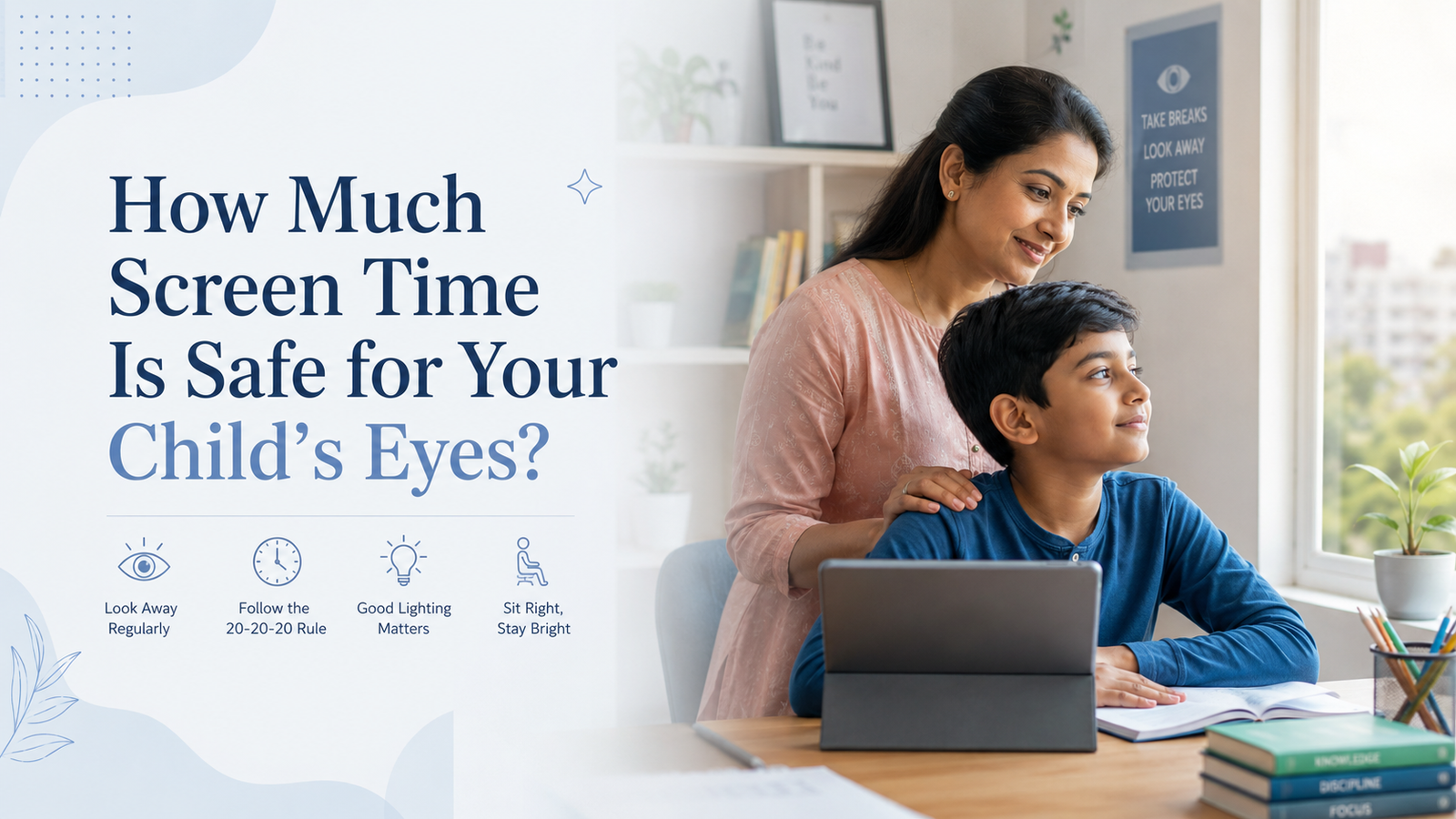
Smartphones, tablets, televisions and laptops have become a regular part of children’s lives. Children use screens for online classes, homework, entertainment, gaming and communication. Although digital devices can support learning, excessive or poorly managed screen use may lead to tired eyes, dryness, headaches, blurred vision and difficulty focusing.
This raises an important question for parents : How much screen time is safe for a child’s eyes?
There is no single screen-time limit that is suitable for every child. A child’s age, purpose of screen use, viewing distance, lighting, sleep, physical activity and frequency of breaks all matter. The American Academy of Pediatrics now encourages families to look beyond the number of hours alone and consider the quality, context and impact of digital media use.
The goal should not simply be to remove screens. Parents should help children use digital devices in a healthier and more balanced way.
Does Screen Time Permanently Damage a Child’s Eyes?
Normal use of phones, tablets and computers has not been shown to permanently damage the physical structure of a child’s eyes. However, staring at a nearby screen for a long time can cause temporary symptoms known as digital eye strain.
Children often blink less while looking at a screen. Reduced blinking can make the surface of the eyes dry and uncomfortable. Prolonged near focusing can also make the eye’s focusing system feel temporarily strained.
Common symptoms include:
- Dry or burning eyes
- Itchy or watery eyes
- Blurred vision
- Difficulty changing focus from near to far
- Headaches
- Eye heaviness or tiredness
- Sensitivity to light
- Frequent eye rubbing
- Neck, shoulder or back discomfort
These symptoms usually improve after resting the eyes and reducing continuous screen exposure. However, recurring symptoms should not be ignored because an uncorrected spectacle power, dry eye, squint or another vision problem may also be present.
How Much Screen Time Is Safe for Children by Age?
Screen-time guidance should consider both recreational and educational use. Schoolwork cannot always be avoided, so parents should focus on reducing unnecessary recreational screen use and introducing regular breaks.
Babies Younger Than 2 Years
Screen exposure should be kept very limited for babies and young toddlers. Face-to-face interaction, physical movement, play and communication with parents are more valuable for early development.
Video calls with family members may be used with adult supervision. Screens should not be used regularly to calm, feed or distract a baby.
The World Health Organization advises that sedentary screen time is not recommended for infants under one year. For one-year-old children, screen time is also not recommended.
Children Aged 2 to 5 Years
For preschool children, recreational screen use should ideally be limited to approximately one hour per day. The content should be age-appropriate, educational and viewed with a parent or caregiver whenever possible.
Parents should avoid giving children unrestricted access to short videos, autoplay content or rapidly changing programmes. The American Academy of Pediatrics has traditionally recommended limiting screen use for children aged two to five to one hour of high-quality content per day, with an adult helping the child understand what they are watching.
Children Aged 5 to 12 Years
There is no universal daily number that works for every school-age child. Educational screen use may vary depending on school requirements.
As a practical family target, recreational screen use can often be kept around one to two hours per day, provided that screens are not replacing:
- Adequate sleep
- Outdoor activity
- Physical exercise
- Homework
- Reading
- Family interaction
- Meals
- Hobbies and creative play
More important than the total number is whether the child is taking breaks and maintaining a healthy daily routine.
Teenagers
Teenagers may need computers and phones for school projects, research and communication. Rather than relying only on a strict time limit, parents should look for signs that screen use is interfering with sleep, studies, exercise, emotional well-being or family life.
Entertainment screen use should be controlled separately from educational use. Devices should ideally be kept outside the bedroom at night.
Can Too Much Screen Time Increase Eye Power?
Screen use itself does not automatically create spectacle power. However, children who spend long periods performing close-up activities and very little time outdoors may have a greater risk of developing or progressing in myopia, also called short-sightedness.
Myopia causes distant objects, such as a classroom board, to appear blurred while nearby objects may remain clear. It commonly begins during school-going years.
Screen use is only one form of near work. Reading books, drawing and other close-up tasks can also place sustained demand on near focusing. The concern is not simply the device; it is the combination of prolonged near work, short viewing distance, limited breaks and inadequate outdoor activity.
Parents should therefore balance indoor study and screen time with regular outdoor play.
What Is Digital Eye Strain in Children?
Digital eye strain is a group of temporary symptoms caused by prolonged use of digital devices. It is not a single eye disease.
A child may experience digital eye strain when they:
- Use a device continuously without breaks
- Hold a phone very close to the face
- Use a screen in a dark room
- Look at a bright screen for long periods
- Use a device while lying down
- Have an uncorrected spectacle prescription
- Sit with poor posture
- Blink less while gaming or watching videos
Children may not always explain that their eyes feel tired. Parents need to watch their behaviour.
Signs Your Child May Be Using Screens Too Much
Look for these warning signs:
- Rubbing the eyes frequently
- Complaining of headaches after online classes
- Closing one eye while using a device
- Moving very close to a screen
- Blinking excessively
- Complaining of burning or painful eyes
- Watery or red eyes
- Difficulty seeing the classroom board
- Blurred vision after device use
- Losing concentration during reading
- Holding a phone unusually close
- Avoiding outdoor activities
- Difficulty sleeping
- Irritability when a device is removed
Persistent symptoms may indicate more than screen fatigue. A comprehensive eye examination can help determine whether the child has myopia, astigmatism, dry eye, focusing difficulty or an eye-alignment problem.
Follow the 20-20-20 Rule
The 20-20-20 rule is one of the easiest ways to reduce screen-related eye discomfort.
After every 20 minutes of screen use, ask your child to look at an object at least 20 feet away for about 20 seconds.
Looking into the distance relaxes the near-focusing system. The American Academy of Ophthalmology recommends regular distance-looking breaks as part of healthy screen-use habits.
Parents can set a timer or use natural break points, such as:
- After completing one homework question
- Between online classes
- At the end of a video
- Between gaming levels
- After reading a section of an e-book
For younger children, encourage them to get up, stretch and walk around during breaks.
Maintain the Correct Screen Distance
Holding a device too close may increase focusing strain.
A useful distance guide is:
- Smartphone: approximately one foot away
- Laptop or desktop: approximately two feet away
- Television: approximately ten feet away, depending on screen size
This is sometimes called the 1-2-10 rule.
The screen should generally be positioned slightly below the child’s eye level. Children should sit upright instead of bending over the device or lying on a bed while watching it.
Keep the Screen and Room Properly Lit
A very bright screen in a dark room creates unnecessary visual discomfort.
Parents should:
- Match screen brightness to the surrounding room
- Avoid using screens in complete darkness
- Reduce glare from windows and overhead lights
- Keep the screen clean
- Increase text size when necessary
- Avoid extremely small fonts
- Use a stable desk and comfortable chair
The child should not need to squint, lean forward or bring the device closer to read.
Encourage Frequent Blinking
Children blink less frequently when concentrating on videos or games. This may cause dryness, burning and watering.
Remind your child to blink fully and frequently. Short breaks, adequate water intake and avoiding direct air from fans or air conditioners may also improve comfort.
Do not give lubricating or medicated eye drops to a child without advice from an eye doctor.
Increase Outdoor Activity
Outdoor activity supports overall health and may also help lower the risk of childhood myopia.
Encourage children to spend time outdoors every day through activities such as:
- Walking
- Cycling
- Playing a sport
- Gardening
- Running
- Playing in a park
- Family outings
Outdoor time should not be replaced by using a phone on a balcony or sitting outdoors with a tablet. The purpose is to encourage distance viewing, natural light exposure and physical movement.
Create Screen-Free Times and Areas
Healthy boundaries are easier to follow when the whole family follows them.
Consider making these situations screen-free:
- During meals
- During family conversations
- While completing non-digital homework
- During outdoor play
- In the bedroom at night
- For at least one hour before sleep
The American Academy of Pediatrics recommends family media plans that include screen-free areas, limits on autoplay and notifications, and rules that prevent media from displacing healthy routines.
Parents should also model healthy screen behaviour. It is difficult to ask a child to put away a phone when adults are constantly using their own devices.
Is Blue Light from Screens Harmful to Children’s Eyes?
Many parents worry that blue light from phones and laptops will permanently damage their child’s eyes. Current evidence does not show that the amount of blue light produced by normal digital screens causes retinal damage.
Blue light-blocking glasses are therefore not automatically necessary for every child using a device. A more useful approach is to control screen duration, viewing distance, glare, brightness, posture and breaks.
Screen use late at night may still affect sleep by delaying the body’s natural sleep signals. For this reason, children should avoid devices close to bedtime.
A child who needs spectacles should wear the correct prescription advised by an eye doctor rather than purchasing non-prescription blue-light glasses as a replacement for an eye examination.
When Should Your Child Visit an Eye Doctor?
Book an eye examination when your child experiences:
- Persistent blurred vision
- Recurring headaches
- Frequent eye rubbing
- Redness or watering that does not improve
- Eye pain
- Difficulty seeing distant objects
- Sitting very close to the television
- Holding books or phones extremely close
- One eye turning inward or outward
- Closing or covering one eye
- Sudden flashes, floaters or vision loss
- A noticeable decline in school performance
Sudden vision loss, severe eye pain, eye injury, chemical exposure, a dark curtain over vision or new flashes and floaters require urgent medical attention.
Children may have vision problems without complaining. Regular vision screening and comprehensive eye examinations are important, especially when parents or siblings have myopia, squint, lazy eye or another significant eye condition.
Practical Screen-Time Routine for School-Going Children
Parents can follow this simple routine:
- Separate school-related screen time from entertainment use.
- Use a larger screen for classes whenever possible.
- Place the screen at a comfortable distance.
- Follow the 20-20-20 rule.
- Include a longer movement break after each class or study session.
- Encourage daily outdoor play.
- Keep meals screen-free.
- Stop entertainment screens at least one hour before bedtime.
- Maintain a consistent sleep schedule.
- Arrange an eye examination when symptoms continue.
How Much Screen Time Is Actually Safe?
There is no completely risk-free or universally correct number for every child.
For younger children, screen exposure should remain limited and supervised. For school-age children and teenagers, the focus should be on purposeful use, regular eye breaks and ensuring that screens do not replace sleep, outdoor activity, physical exercise, reading or family interaction.
From an eye-health perspective, the most important factors are:
- Avoiding long, uninterrupted screen sessions
- Maintaining a proper viewing distance
- Using suitable lighting
- Encouraging frequent blinking
- Increasing outdoor activity
- Correcting any underlying vision problem
- Scheduling an eye test when symptoms appear
Conclusion
Screens are now part of childhood, but eye discomfort does not have to be.
Balanced screen use, regular breaks, correct posture, sufficient outdoor activity and timely eye examinations can help protect your child’s vision and comfort. Instead of focusing only on the total number of hours, observe how the child uses screens and whether digital-device use is affecting sleep, learning, physical activity or eye health.
If your child regularly complains of headaches, blurred vision, burning eyes or difficulty seeing the classroom board, schedule a comprehensive eye examination.
For a children’s eye check-up in Secunderabad, consult the ophthalmology team at EyeCure Hospital, Trimulgherry.
Frequently Asked Questions
1. How many hours of screen time are safe for children?
The appropriate amount depends on the child’s age and the purpose of screen use. Children aged two to five should generally have no more than about one hour of high-quality recreational screen use daily. Older children need balanced limits that protect sleep, exercise, outdoor activity and family time.
2. Can mobile phones damage a child’s eyes?
Normal mobile-phone use has not been shown to permanently damage the eyes. However, prolonged viewing without breaks can cause dryness, headaches, blurred vision and digital eye strain.
3. Can screen time increase a child’s eye power?
Long periods of close-up work, combined with limited outdoor activity, may be associated with the development or progression of myopia. Screen use should therefore be interrupted with distance-viewing breaks and outdoor play.
4. What is the safest distance for a child to hold a mobile phone?
A smartphone should preferably be held approximately one foot away from the eyes. The child should avoid bringing it very close to the face or using it while lying down.
5. Does the 20-20-20 rule work for children?
Yes. Looking at something around 20 feet away for 20 seconds after every 20 minutes of near work can relax the focusing system and reduce eye discomfort.
6. Are blue-light glasses necessary for children?
Blue-light glasses are not routinely required for every child. Proper screen distance, breaks, brightness, lighting and an accurate spectacle prescription are more important.
7. Why does my child rub their eyes after using a mobile phone?
The child may be experiencing dryness, eye strain, allergy or an uncorrected vision problem. If frequent rubbing continues after reducing screen exposure, arrange an eye examination.
8. How can parents protect children’s eyes during online classes?
Use a larger screen, maintain a suitable viewing distance, position the device slightly below eye level, provide good room lighting and encourage breaks between lessons.
9. How much outdoor time does a child need?
Children should have regular outdoor activity every day. Outdoor play supports physical health and may help reduce the risk of developing or worsening myopia.
10. When should I take my child to an eye doctor?
Consult an eye doctor when the child has persistent headaches, blurred vision, frequent eye rubbing, difficulty seeing the board, eye deviation, redness, pain or recurring discomfort after screen use.
Medical disclaimer: This article provides general educational information and is not a substitute for an individual eye examination, diagnosis or treatment. Seek professional medical advice for persistent or sudden eye symptoms.